The point of sale you actually own.
SnapPOS runs on your own equipment — up to six registers, and a phone or tablet counts as one. No lifetime monthly software fees, no lock-in on who processes your cards, and it keeps ringing up sales when the internet goes down.
From $399. Runs on a computer you may already have — hardware is optional, and payment plans are available if you want it.
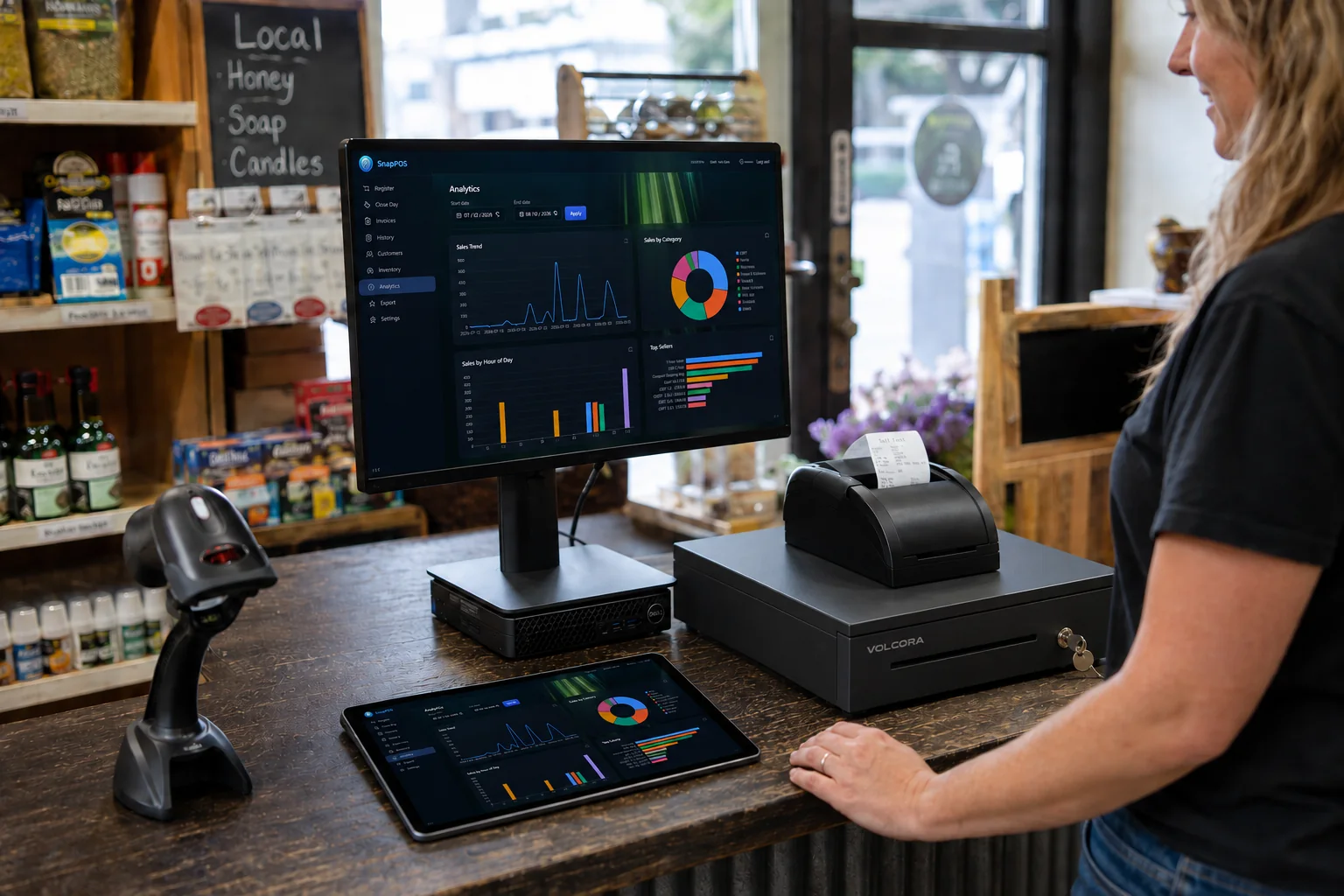
SnapPOS is designed to fit your brand.
Pick your color scheme and your background, and put your logo on the register and the customer display. We set it up with you at the install — watch the look change behind a real sale.
A new name with old school values.
SnapPOS is new. The certification, the people and the install behind it are not.
Experts you can rely on.
A certified Datacap integration
SnapPOS is certified against Datacap’s payment platform. That certification is what lets your processor stay a setting you can change rather than a decision welded into the till.
A local business stands behind it
SnapPOS is built and supported by PC Guru in East Texas. The number on this page reaches the same people who wrote the software.
You are not left to self-install
Somebody turns up, loads your inventory, tests a real sale on your own hardware, and stays on the phone for the thirty days after that.
Reachable processors and supported terminals depend on Datacap’s certified list. We confirm yours before you buy anything.
Your payments end. Theirs don't.
Every big-name POS bills you forever and hands you nothing at the end of it. SnapPOS is a system you buy — spread the cost monthly if that suits you better, then the payments stop and it's yours.
Own it, don't rent it
Pay once, or split it into monthly payments with a real end date. Either way the software is yours — there's no switch we can flip to turn your POS off.
Keeps working offline
Your inventory, sales and reports live on the machines at your counter. The register doesn't care whether your internet is up.
Your processor, your choice
We're not a payments company that happens to sell software. Shop your rates, and switch processors later without replacing your system.
Does your counter sell, service or cook?
Same engine whichever it is — the same offline register and the same certified card processing behind it. What changes is the screen your staff touches all day.
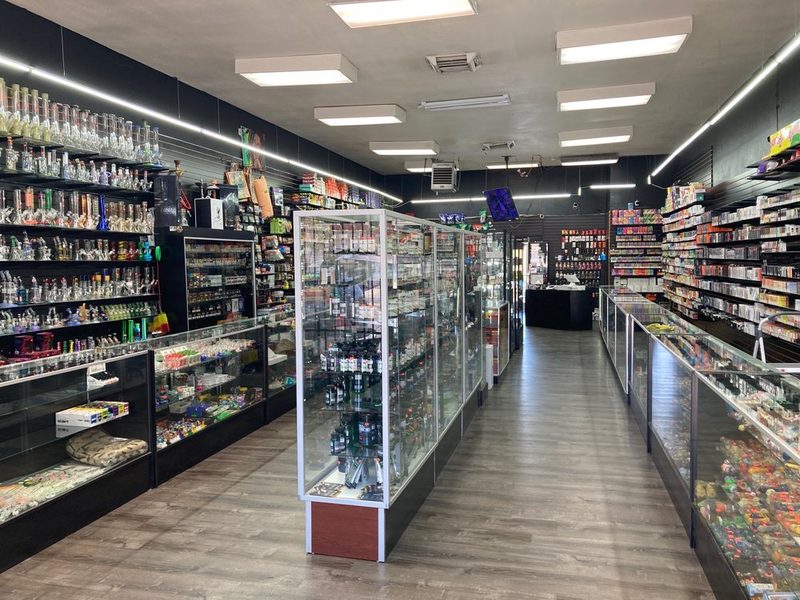 Smoke & vape shops
High SKU counts, fast repeat sales, tight stock control.
Retail register
from $599
Smoke & vape shops
High SKU counts, fast repeat sales, tight stock control.
Retail register
from $599
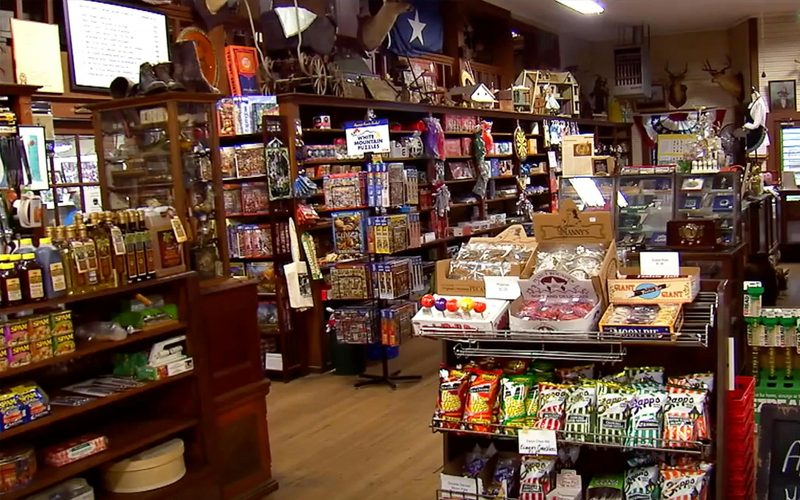 General & corner stores
Mixed inventory, cash-heavy days, quick close-outs.
Retail register
from $599
General & corner stores
Mixed inventory, cash-heavy days, quick close-outs.
Retail register
from $599
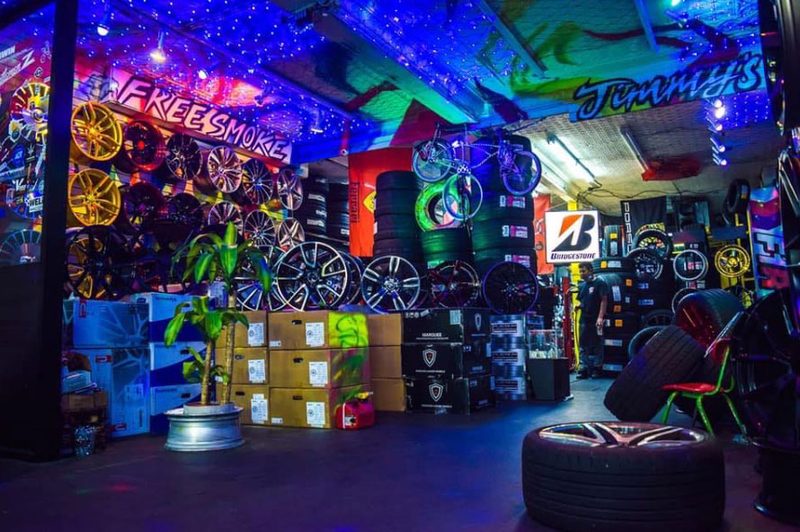 Tire, auto & service shops
Parts on the shelf, jobs at the counter, receipts that reprint.
SnapPOS Pro
$999
Tire, auto & service shops
Parts on the shelf, jobs at the counter, receipts that reprint.
SnapPOS Pro
$999
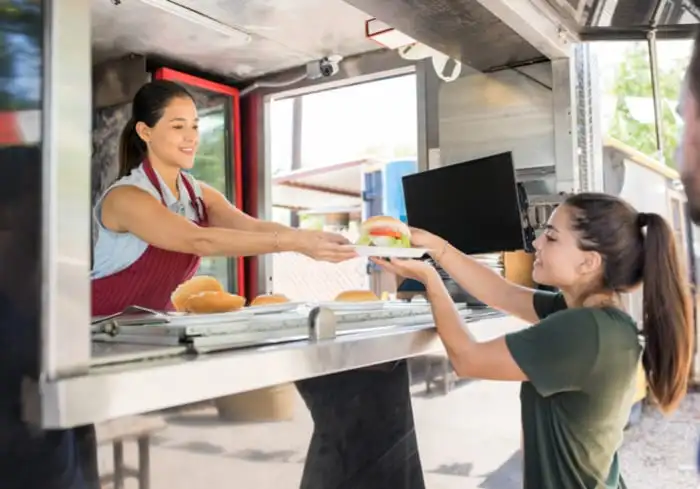 Food trucks, cafés & restaurants
A menu of tiles, tickets to the kitchen, nothing to scan.
Lite or Restaurant
from $399
Food trucks, cafés & restaurants
A menu of tiles, tickets to the kitchen, nothing to scan.
Lite or Restaurant
from $399
Lite is $399 and Core is $599, each for one register. Pro and Restaurant are $999 with up to six. Every edition runs on computers you may already have — see full pricing.
Everything your counter needs. Nothing it doesn't.
Built for independent shops running anywhere from one register to six — not for a chain of fifty stores. That's why it's quick to learn and quick to use.
This is the scanning side. If yours is the cooking side, SnapPOS Lite does the same job with a tile grid instead of a barcode.
Ring up a sale in seconds
Scan, adjust quantity, apply a discount, take cash or card. SnapPOS shows the change to count out and prints an 80mm receipt through your normal printer.
- Runs on a PC, a tablet or an Android phone
- Any USB barcode scanner in keyboard mode
- Blocks selling below zero, so counts stay honest
- Unknown barcode? Add the item mid-sale
Inventory that stays accurate
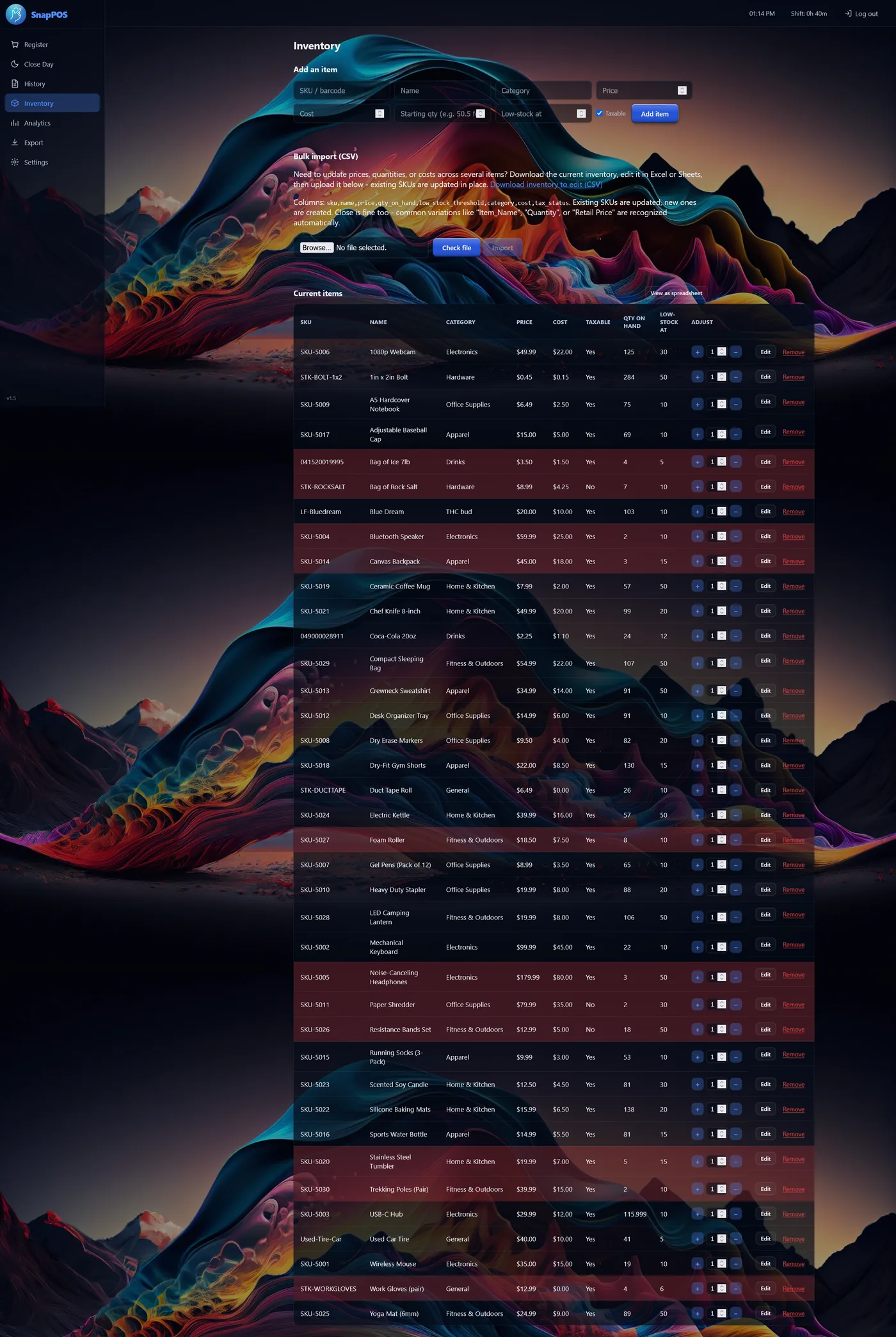
Add items by hand or import a spreadsheet — SnapPOS reads common column names in English and Spanish. Export it, edit prices in Excel, import it back.
- Low-stock flags and alerts
- Quick +/- stock stepper on every row
- Removing an item keeps its sales history
Know where the money went
Close the day against a counted drawer and SnapPOS tells you the expected amount and the variance. Analytics covers sales, profit, inventory and cash over any date range you pick.
- Over/short calculated for you at close
- Reprint any receipt from history
- CSV export for your bookkeeper
We don't own your processing. That's the point.
Clover locks you to Fiserv. Square is Square. Toast is Toast. Leave, and the hardware you paid for is a paperweight. SnapPOS takes cards through Datacap, which routes to a backend processor — so the processor is a setting, not a cage.
Shop your rates
We'll put your volume in front of processors and compare what comes back, instead of handing you one rate and calling it the price of admission.
Switch without starting over
Changing processors means a new merchant account and a parameter download — not a new POS, and not new terminals.
Terminals that move with you
PAX and Ingenico devices aren't tied to one processor the way a Clover device is. The hardware stays yours and stays useful.
Taking cards is built into SnapPOS — there is no software charge for it. What you pay to process them goes to your processor, not to us. Supported terminals and processors depend on Datacap's certified list — we'll confirm yours before you buy anything.
We set it up, on your counter
Nobody hands you a download and wishes you luck. A SnapPOS install is a person who turns up — on site or over a remote session — and does the parts that take an afternoon to work out for yourself.
Your inventory, loaded
Send us a spreadsheet or the export from your old system and we load it before the POS is switched on. Names, prices, costs, categories and barcodes.
Set up on your hardware
Printer, drawer, scanner and card terminal, all talking to each other and tested with a real sale and a real receipt before we leave.
Thirty days of local phone support
The number goes to the people who wrote the software, not a queue. After that the POS carries on working whether you take a plan or not.
Run the numbers yourself
Put in what you pay for POS software today. The subscription line never stops climbing — yours has a finish line.
Software and platform fees only — not card processing.
Most shops keep a POS far longer than three years.
Illustration only. Core is $599 for one register and Pro is $999 with up to six — both run on computers you may already have, so buying hardware from us is optional. Card processing is separate. Payment plans available — see full pricing.
Against a subscription POS
Swipe to see the full table →
| SnapPOS | Typical subscription POS | |
|---|---|---|
| Software cost | Buy it, or finance it and finish paying | Monthly, forever |
| If you stop paying | You keep using it | Register stops working |
| Registers | Up to 6 with Multi-Register — a phone or tablet counts | Billed per terminal, every month |
| Card processor | Most major processors; switchable | Locked to theirs |
| If the internet drops | Keeps selling | Limited or offline-only mode |
| Where your data lives | On your counter | Their cloud |
| Leaving them | Nothing to leave | Export what they let you |
| Hardware if you switch | Terminals come with you | Often unusable elsewhere |
| Setup | We install and load your inventory | Self-serve, or paid onboarding |
Comparison describes common subscription POS terms as of August 2026. Specific vendors' terms vary — check your current contract.
Installed on site from Dallas–Fort Worth to the Ark-La-Tex.
We set SnapPOS up at your counter and load your inventory anywhere from Dallas–Fort Worth across Northeast Texas, Southwest Arkansas and Northwest Louisiana. Just outside the map? Ask anyway — a demo can always happen over a call.
Hover or tap a county or town for its name.
Key areas: Dallas–Fort Worth, Greenville, Terrell, Tyler, Longview, Kilgore, Marshall, Mount Pleasant, Sulphur Springs, Texarkana, Shreveport–Bossier, Magnolia and Hope.
See it running on a real counter
A live walkthrough, on site or over a call — your products, your prices, your questions. No obligation, and no pressure to buy hardware you don't need.
Prefer email? sales@snappos.net