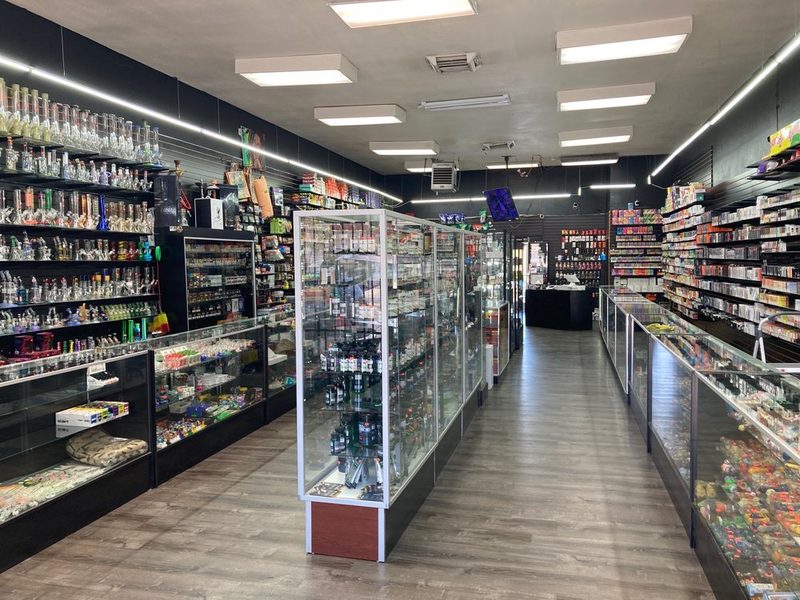
Smoke & vape shops
High SKU counts, fast repeat sales, tight stock control.
SnapPOS runs on your own equipment — up to six tills, and a phone or tablet counts as one. No lifetime monthly software fees, no lock-in on who processes your cards, and it keeps ringing up sales when the internet goes down.
From $499. Runs on a computer you may already have — hardware is optional, and payment plans are available if you want it.
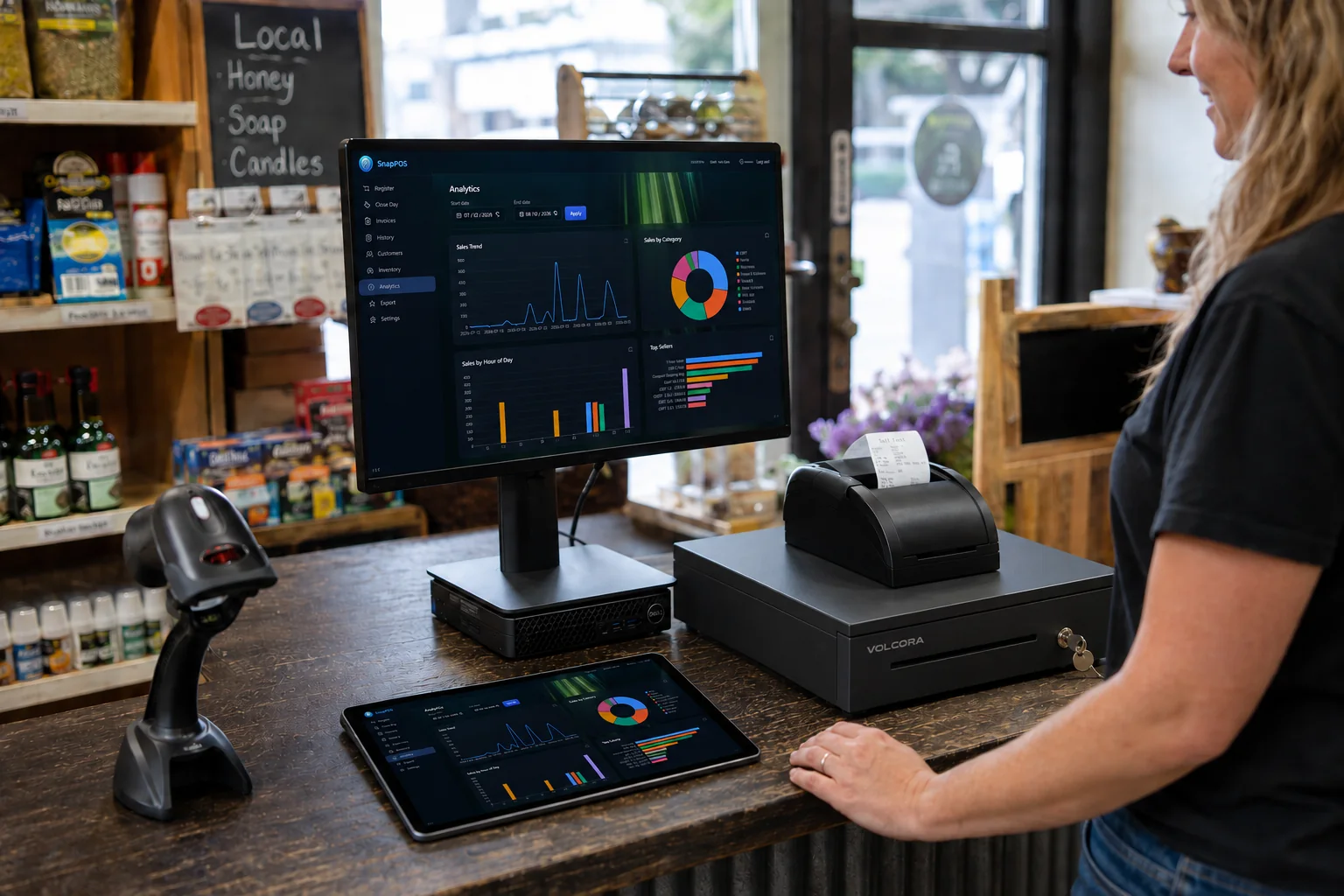
Every big-name POS bills you forever and hands you nothing at the end of it. SnapPOS is a system you buy — spread the cost monthly if that suits you better, then the payments stop and it's yours.
Pay once, or split it into monthly payments with a real end date. Either way the software is yours — there's no switch we can flip to turn your till off.
Your inventory, sales and reports live on the machines at your counter. The register doesn't care whether your internet is up.
We're not a payments company that happens to sell software. Shop your rates, and switch processors later without replacing your system.
Built for independent shops running anywhere from one till to six — not for a chain of fifty stores. That's why it's quick to learn and quick to use.
Scan, adjust quantity, apply a discount, take cash or card. SnapPOS shows the change to count out and prints an 80mm receipt through your normal printer.
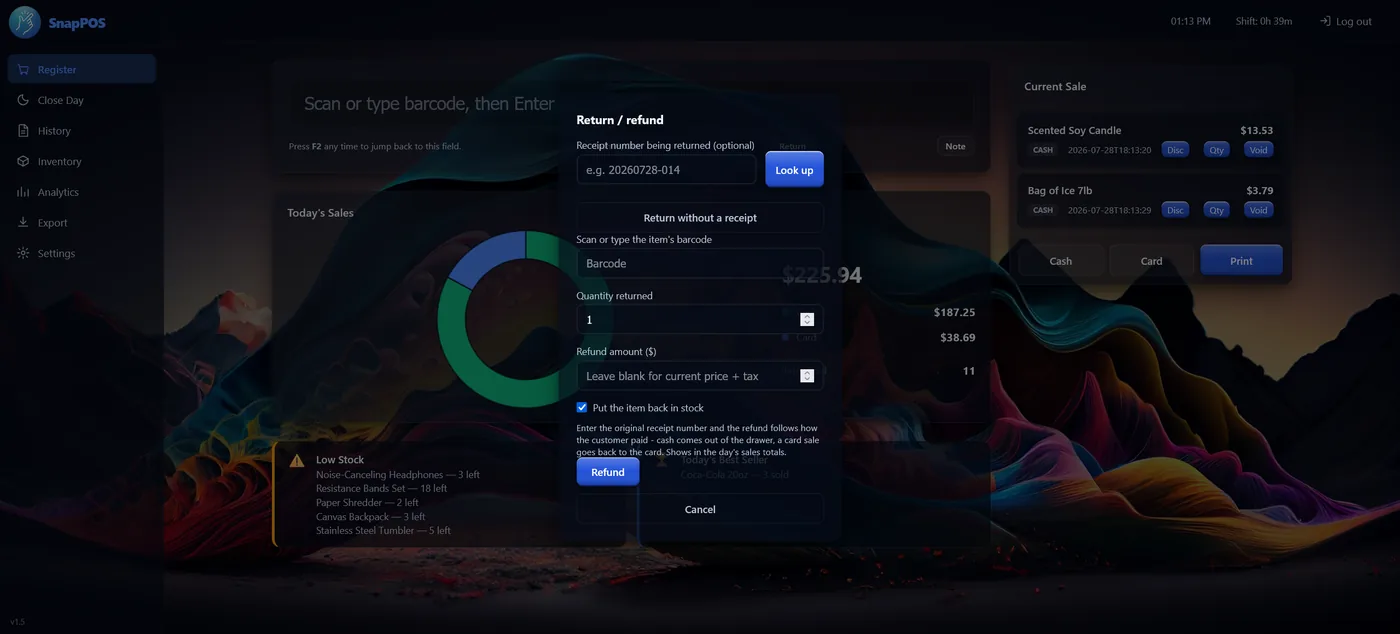
Add items by hand or import a spreadsheet — SnapPOS reads common column names in English and Spanish. Export it, edit prices in Excel, import it back.
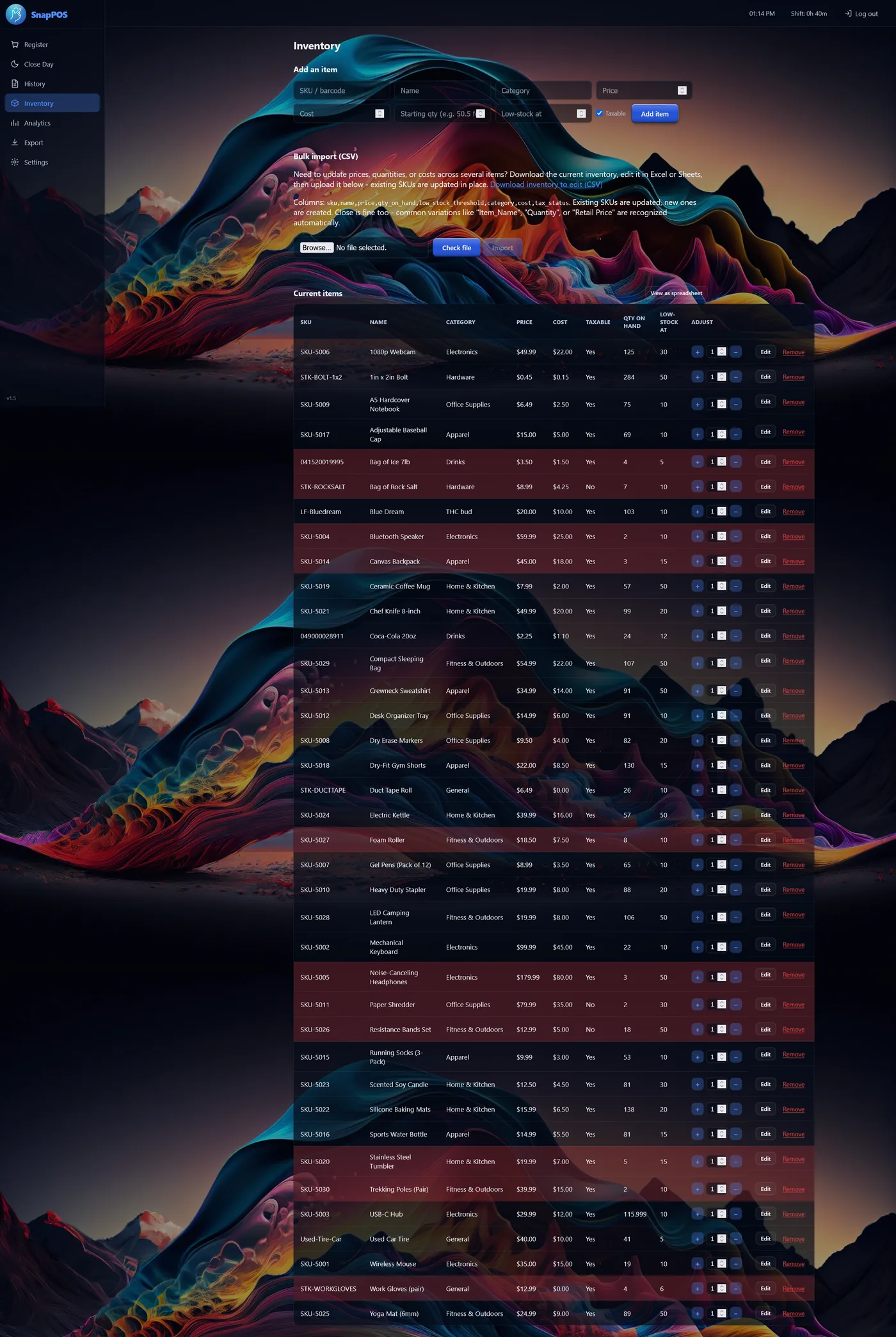
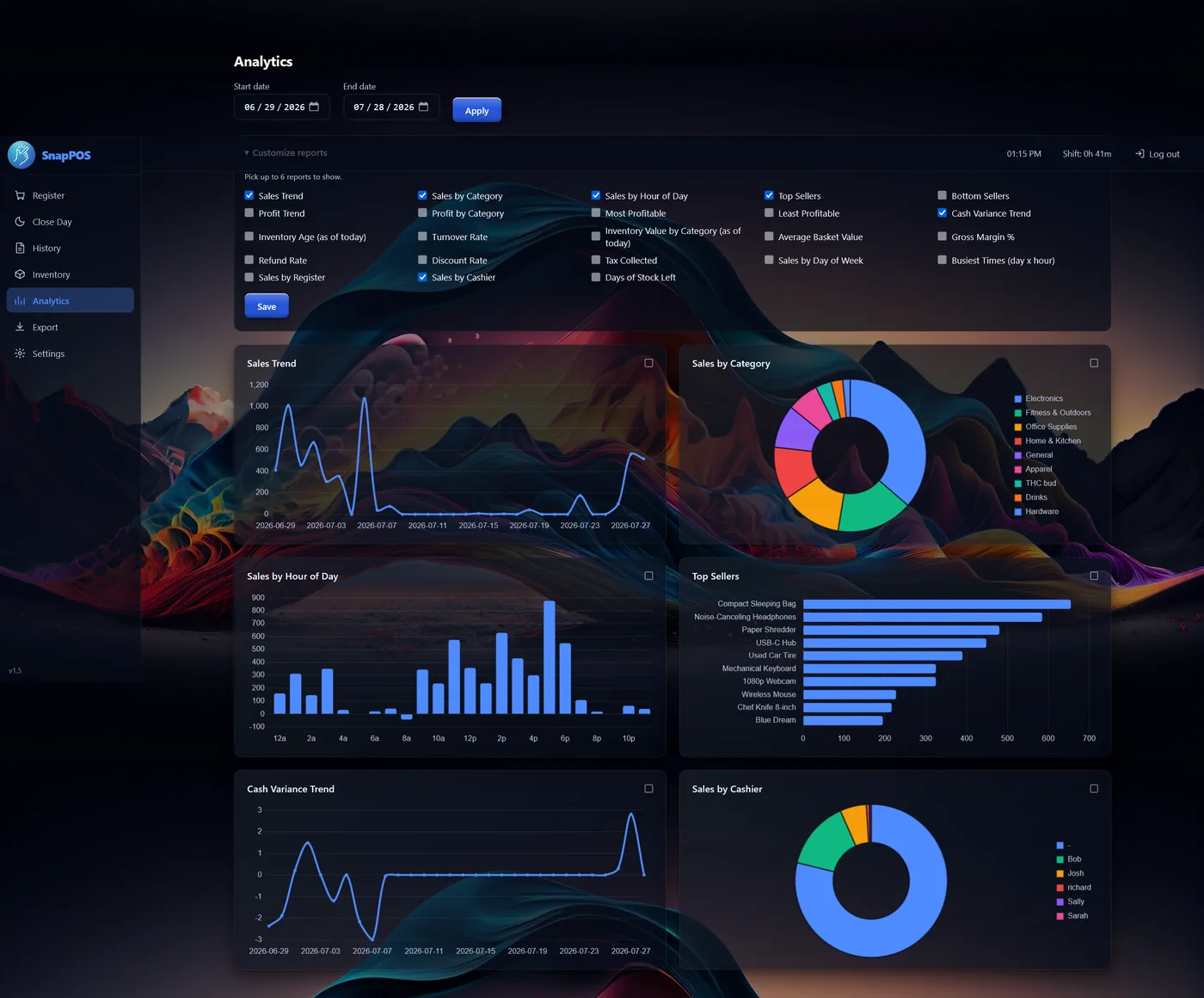
Close the day against a counted drawer and SnapPOS tells you the expected amount and the variance. Analytics covers sales, profit, inventory and cash over any date range you pick.
Clover locks you to Fiserv. Square is Square. Toast is Toast. Leave, and the hardware you paid for is a paperweight. SnapPOS takes cards through Datacap, which routes to a backend processor — so the processor is a setting, not a cage.
We'll put your volume in front of processors and compare what comes back, instead of handing you one rate and calling it the price of admission.
Changing processors means a new merchant account and a parameter download — not a new POS, and not new terminals.
PAX and Ingenico devices aren't tied to one processor the way a Clover device is. The hardware stays yours and stays useful.
Card processing is an add-on to the core app. Supported terminals and processors depend on Datacap's certified list — we'll confirm yours before you buy anything.
A till or three, a scanner, a receipt printer and a drawer. If that's your shop, SnapPOS fits.
High SKU counts, fast repeat sales, tight stock control.
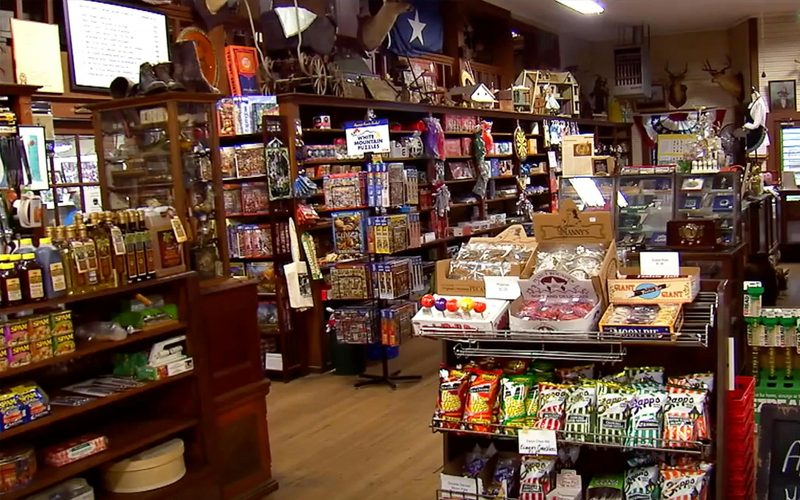
Mixed inventory, cash-heavy days, quick close-outs.

Services plus retail product, on one simple till.
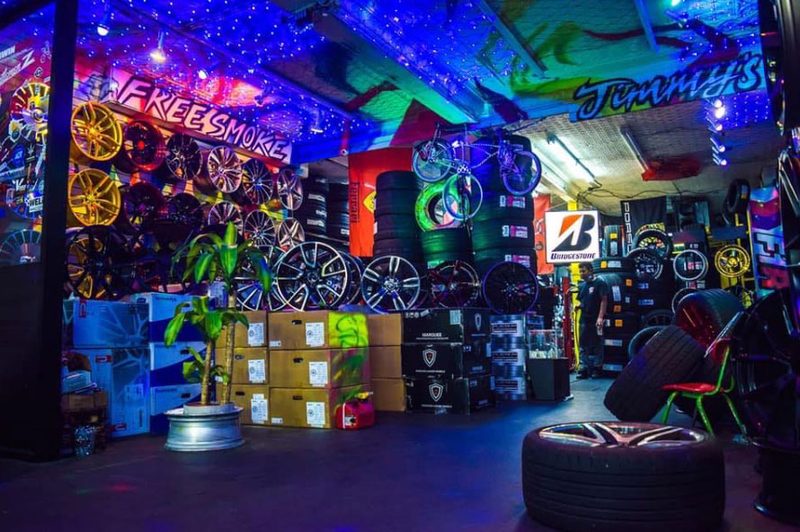
Parts on the shelf, jobs at the counter, receipts that reprint.
Put in what you pay for POS software today. The subscription line never stops climbing — yours has a finish line.
Software and platform fees only — not card processing.
Most shops keep a till far longer than three years.
Illustration only. Core is $499 for up to three registers and Core+ is $699 — both run on computers you may already have, so buying hardware from us is optional. Card processing is separate. Payment plans available — see full pricing.
| SnapPOS | Typical subscription POS | |
|---|---|---|
| Software cost | Buy it, or finance it and finish paying | Monthly, forever |
| If you stop paying | You keep using it | Register stops working |
| Registers | Up to 6 included — a phone or tablet counts | Billed per terminal, every month |
| Card processor | Most major processors; switchable | Locked to theirs |
| If the internet drops | Keeps selling | Limited or offline-only mode |
| Where your data lives | On your counter | Their cloud |
| Leaving them | Nothing to leave | Export what they let you |
| Hardware if you switch | Terminals come with you | Often unusable elsewhere |
| Setup | We install and load your inventory | Self-serve, or paid onboarding |
Comparison describes common subscription POS terms as of August 2026. Specific vendors' terms vary — check your current contract.
A live walkthrough, on site or over a call — your products, your prices, your questions. No obligation, and no pressure to buy hardware you don't need.
Prefer email? sales@snappos.net